Learn that slope (m) is the rate of change of position with respect to time
(cm per second). Steeper lines mean faster speeds; positive slope moves in the
positive direction, negative slope in the negative direction, and zero slope means no motion.
Watch the Khan Academy video "Slope Introduction".
Read a short description of how the LEGO car will move at different speeds and directions,
then sketch your prediction of its position–time graph.
Go to the Getting Started page and set up your workspace so you’re ready to collect data.
Roll your Observe™ LEGO Car on your desk and match several position–time graph challenges
in Desmos that vary only by slope (speed and direction), keeping the starting position fixed.
For each challenge, write a clear description of the car’s motion in the Activity 3
online worksheet, including units (cm/s) and whether the slope is positive, negative, or zero.
Getting Ready:
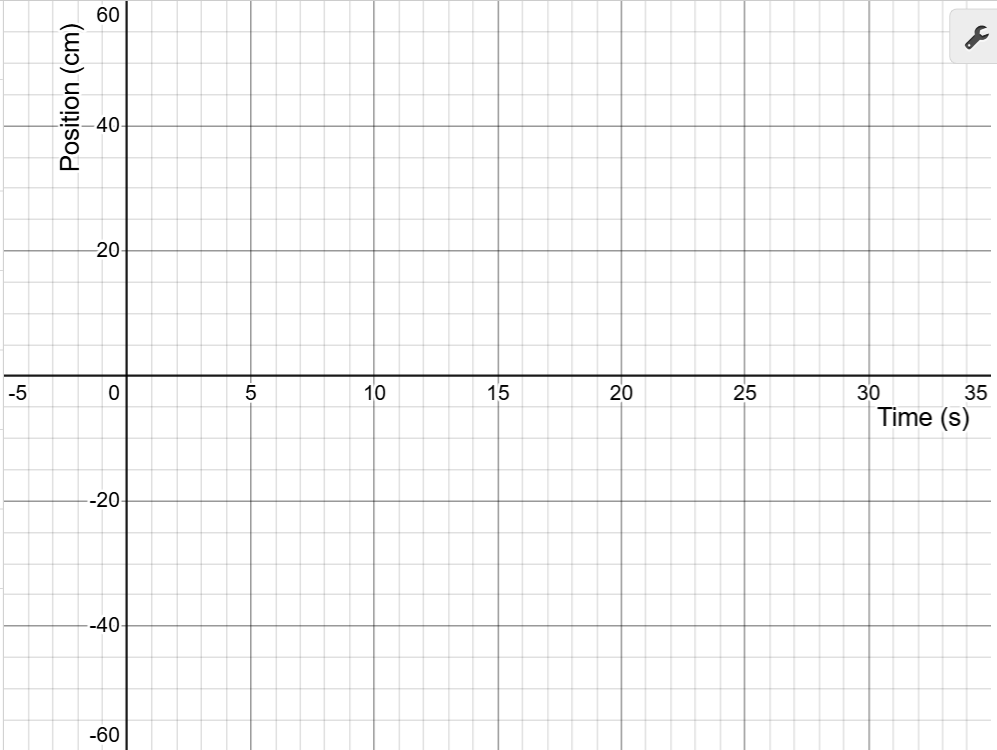
Graphs help us describe how motion changes over time. In these activities,
time in seconds is shown on the x-axis and position in centimeters is shown
on the y-axis.
The slope of a position–time graph tells us the car’s velocity.
A positive slope means the car is moving forward (to the right of zero).
A negative slope means the car is moving backward (to the left of zero).
A slope of zero means the car is stopped.
The steepness of the line shows the speed: a steeper line means the car is moving faster,
while a flatter line means it is moving more slowly.
You can calculate slope by dividing the change in position by the change in time:
slope = Δy ÷ Δx.
For example, if the car moves 20 cm in 5 s, the slope is 20 ÷ 5 = 4 cm/s.
To learn more about slope, watch this Khan Academy video:
×
Click this
review of
position–time graph concepts to check your understanding.
What Do You Think?
Open the
LEGO Car Activity 3 Worksheet
in a new tab of your browser. Make a copy in your Google Drive, then return to this page.
On the graph below, sketch your prediction of the LEGO car’s position–time graph.
The car begins at a y-intercept of 0 cm and reaches 40 cm at 30 s.
This corresponds to a slope of about 40 ÷ 30 = 1.3 cm/s.
Use your mouse to click and drag on the graph to draw your prediction.
If you need to start over, click Erase Drawing.
When you’re satisfied, click Capture Drawing to copy the image to the clipboard
and paste it into the Activity 3 worksheet.
Measuring Your Data:
Review the Getting Started guide to set up your workspace and pair your LEGO car.
Scroll until the entire graph is visible. Notice that the car’s position (the red point) updates on the graph in real time.
Smoothly roll your car back and forth on the number line until the red point matches the graph’s initial position (y-intercept) on the y-axis.
This is your starting point for matching the slope of the line.
To begin collecting measurements in your Desmos data table, click the Start Collection button below.
Roll your car at a steady speed to match the slope of the blue position–time line shown in the Desmos graph.
Pay attention to whether the slope is positive (forward), negative (backward), or zero (stopped).
Repeat a few times until you are satisfied with the match. Click the
Refresh Page button to clear the graph and data. Turn on your car, select its ID from the dropdown,
and reconnect the car.
When finished, click Capture Graph to copy your matched graph to the clipboard. Switch to the Activity 3 worksheet tab and paste the image.
Use the hide/show icon in Desmos to hide your completed graph and reveal the next challenge.